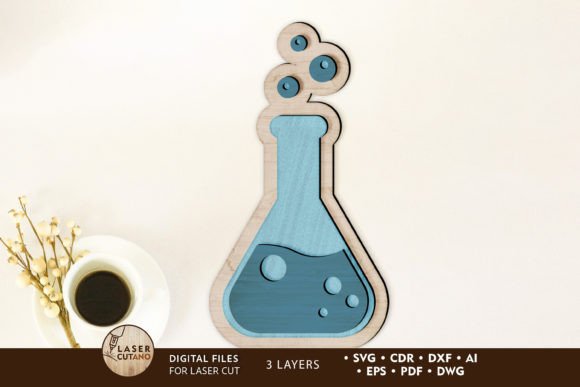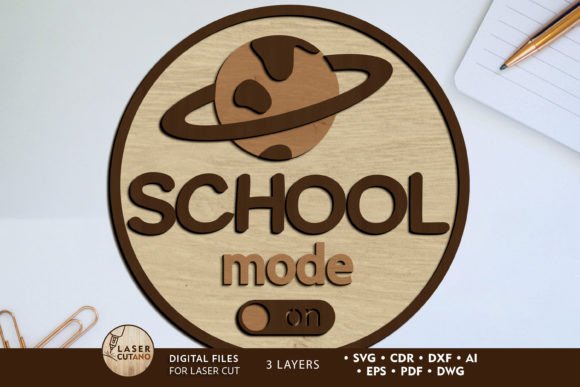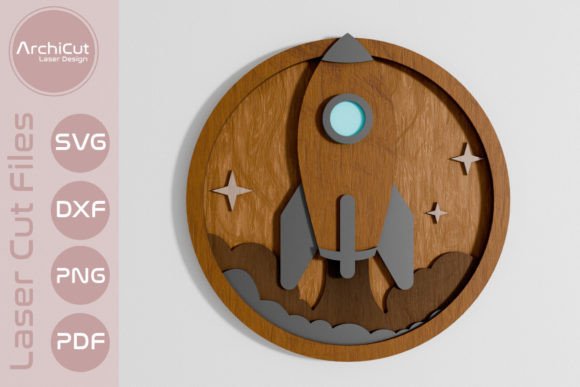
Charming School Owl Decorative Multilayer File for Projects
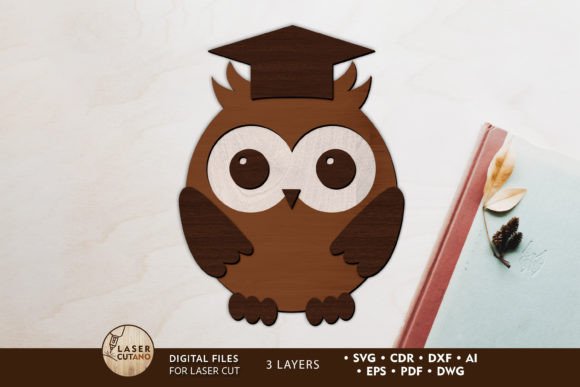
Imagine adding a touch of whimsical, dimensional charm to your back-to-school creations with a single, versatile design asset. The School Owl Decorative Multilayer File offers just that, transforming a classic educational symbol into a stunning, layered art piece perfect for crafters and designers. This isn't just a flat image; it's a meticulously prepared digital layout designed for physical creation, bringing depth and character to any project.
Specifically engineered for laser cutters, CNC routers, and other cutting machines, this multilayer layout file is your gateway to crafting professional-grade decorative items. After purchase, you receive a downloadable .zip folder containing the design in multiple essential formats: .AI, .SVG, .DXF, .DWG, .CDR, .EPS, and .PDF. This ensures compatibility with a wide range of software and machinery, making it a flexible addition to your creative toolkit. Simply unzip the folder to access the files and begin.
Crafting Your Finished Masterpiece
The beauty of this design lies in its thoughtful construction. The finished product measures a convenient 5 x 7 inches, with each layer optimized for 3mm thick material. This makes it ideal for common crafting supplies like plywood, MDF, acrylic, or plexiglass. The layers are designed to be assembled by gluing, creating a captivating 3D effect. For the best results, it's recommended to paint or finish each layer individually before assembly, allowing for intricate color detailing and a truly polished final look.
While the design can be scaled up for larger projects, caution is advised when reducing the size, as some delicate elements may become too thin to cut accurately. This attention to detail ensures your owl maintains its decorative integrity, whether it's a standalone wall hanging, a centerpiece for a classroom bulletin board, or a unique gift for an educator.
Inspiring Uses for Your Owl Design
The applications for this school laser cut file extend far beyond simple decoration. Consider these creative possibilities to maximize its value:
- Classroom & Office Decor: Create a welcoming sign for a teacher's door, a librarian's desk, or a homeschool room.
- Personalized Gifts: Craft a custom back-to-school gift for a student or teacher, adding names or dates to the base layer.
- Party & Event Decor: Use it as a thematic element for school open houses, graduation parties, or literacy events.
- Mixed Media Art: Incorporate the cut layers into scrapbooking, shadow boxes, or as a focal point on a mixed media canvas.
This file acts as a foundational design asset, much like a premium font sets the tone for typography. Its layered nature allows for creative experimentation with colors, materials, and finishes, helping you develop a unique brand identity for your handmade goods or educational materials.
Tips for Seamless Integration and Use
To ensure a smooth creative process, keep these practical tips in mind. First, always verify that your cutting machine software can import one of the provided file formats like SVG or DXF. Second, test your material and machine settings on a scrap piece before committing to your final project. This helps perfect your cut quality. Third, consider the mood of your project. The owl's decorative style lends itself well to playful, modern, or whimsical themes, making it perfect for social media graphics, poster designs, or packaging for educational products.
Just as you would pair a serif font with a sans-serif for visual hierarchy in editorial design, you can pair this ornate owl with simpler geometric shapes or clean backgrounds in your overall layout. The key is to let this charming element shine without overwhelming your composition. By choosing a well-crafted file like this, you're not just buying a pattern; you're investing in a design asset that elevates your work, ensures visual consistency, and delivers a professional, tactile result that digital-only graphics cannot match. It’s a small detail that makes a significant impact.