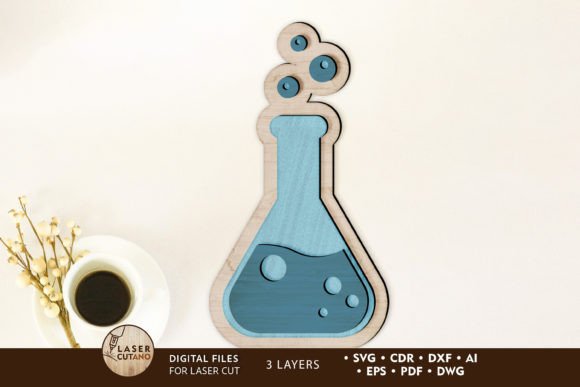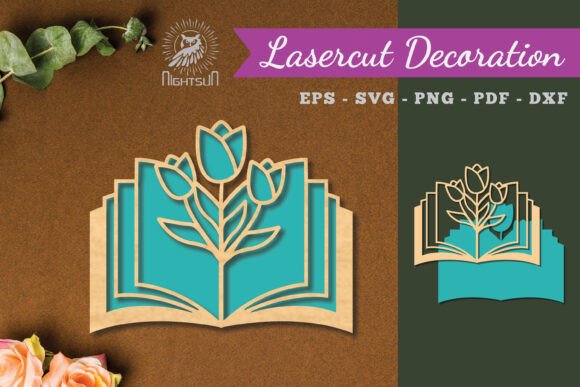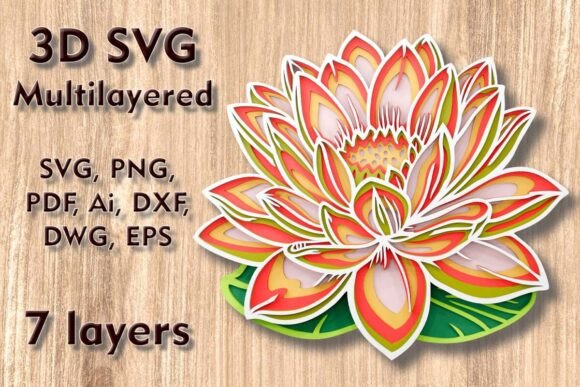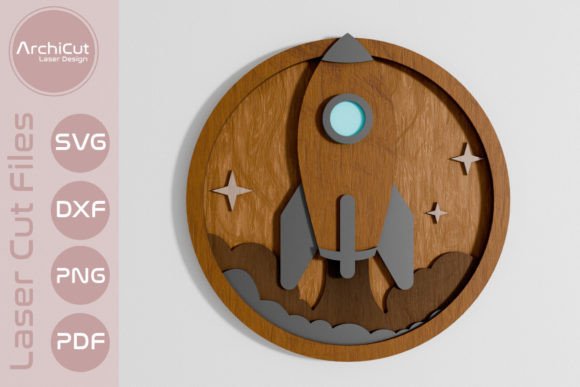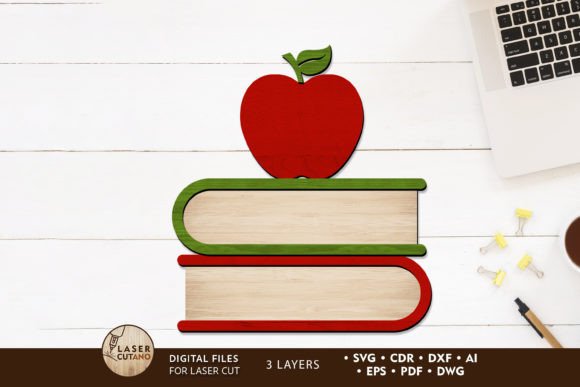
School Decoration Multilayer Template: Creative Laser Cut Designs
Imagine transforming simple materials into stunning, dimensional back-to-school decor that captures the excitement of a new academic year. The School Decoration Multilayer Template offers precisely that—a versatile digital design asset crafted for creators who love working with laser cutters, CNC routers, and other cutting machines. This multilayer layout file is more than just a template; it’s a gateway to crafting personalized, professional-grade decorations, signs, and gifts that stand out with depth and detail.
Designed for 3mm thickness materials like plywood, MDF, acrylic, or plexiglass, this template set provides a clean, scalable foundation. Each layer is meticulously prepared to ensure seamless assembly after cutting. The finished product measures a convenient 5 x 7 inches, but the design can be scaled up to fit larger projects. It’s important to note that while enlarging is straightforward, reducing the size may compromise intricate details, so thoughtful scaling is key to preserving the design’s integrity.
Why Choose a Multilayer Template for School Projects?
Multilayer designs add a unique tactile and visual dimension that flat graphics simply can’t match. They’re perfect for creating eye-catching classroom door decorations, bulletin board accents, teacher appreciation gifts, or even custom awards. For those running a small crafting business, offering personalized school-themed decor can be a seasonal bestseller. The layered effect gives each piece a polished, artisanal look that appeals to parents, teachers, and students alike.
This template isn’t just about one design—it’s a system. After purchase, you receive a .zip file containing the design in multiple industry-standard formats: .AI, .SVG, .DXF, .DWG, .CDR, .EPS, and .PDF. This flexibility means you can use it with popular software like Adobe Illustrator, CorelDRAW, or free vector editors, ensuring compatibility with your preferred workflow. Always remember to unzip the folder before accessing the files to avoid any confusion.
Practical Tips for Using Your Laser Cut Files
- Material Selection: Choose 3mm plywood for a natural, rustic feel, or acrylic for a modern, colorful finish. MDF is great for painting and is often more affordable.
- Preparation is Key: Paint or stain each layer before gluing them together. This ensures clean edges and prevents color bleeding between layers.
- Assembly: Use a strong wood glue or craft adhesive, applying it evenly to avoid warping. Align layers carefully—using light pencil marks or masking tape as guides can help.
- Customization: Feel free to mix and match colors, add glitter, or incorporate other decorative elements to personalize your creation.
Integrating Design Assets into Your Creative Workflow
Just like choosing the right typeface for a brand identity, selecting a high-quality design asset like this multilayer template elevates your work. It’s a form of modern typography in three dimensions—each layer acts like a character in a visual story. When you use a well-crafted template, you save time on design and troubleshooting, allowing you to focus on the creative and finishing touches that make each piece special.
Consider how this asset fits into broader projects. It could inspire a series of coordinated decor items, be featured in packaging design for school supplies, or even be adapted for social media graphics to promote a back-to-school event. The clean lines and scalable vector formats ensure your designs remain crisp across any application, from a small ornament to a large wall hanging.
Making the Most of Your Design Investment
Before finalizing any project, always do a test cut on scrap material. This helps you fine-tune your machine settings for the perfect cut depth and speed. Also, consider the end-user: if you’re creating for children, ensure all edges are smooth and the piece is securely assembled. For commercial use, verify that the license allows for selling finished products, which is a common benefit of such digital assets.
In the world of creative design, whether you’re working with premium fonts or intricate laser files, the goal is the same: to produce something that feels intentional and professional. The School Decoration Multilayer Template is a robust design asset that supports this goal, offering both practicality and creative freedom. It’s a small investment that can unlock countless projects, helping you build a portfolio of unique, handmade items that truly stand out.